
Name-Based Case Searches
Two public CaseLook search routes serve Noble County. The Noble County Court of Common Pleas Record Search handles the divisions it lists: Appeals, Civil, Criminal, Domestic Relations, Judgment Lien, and Miscellaneous. A separate Noble County Court CaseLook covers the lower court's county-wide groups: Traffic, Criminal, Civil, Small Claims, and Parking. Pick the court before you type a name. Common Pleas holds general-jurisdiction cases. County Court takes traffic, misdemeanor criminal, small claims, and parking matters.
- Choose the Noble County court level from the case type. Do not select a village portal for a lower-court case because Noble County has no municipal court.
- At Common Pleas, accept the notice and enter one criterion only. For a name query, use the displayed last, first middle format.
- At County Court, enter Party / Company Name if no more precise identifier is available, then narrow the group when the case type is known.
- Use the result as an index to the case number, category, and event trail. For a new or important entry, follow up with the court that keeps the record.
| Field Label | Type | Required | Notes |
|---|---|---|---|
| Name / Company | Text | One criterion at Common Pleas | Common Pleas shows last, space, first middle, with a 30-character maximum. |
| Party / Company Name | Text | Optional at County Court | County Court shows Last, First and permits up to 254 characters. |
| Case type | Checkboxes | Optional | Both portals preselect their own court-level category groups. |
| Matches per page | Radio buttons | Optional | Both offer 25, 50, 100, or 250 matches; 25 is the default. |
A directory is not a docket. The Ohio trial-court directory lists the state's trial courts. It works well for confirming which court in Noble County handles a matter. It will not return case results for a name, though. Treat it as a map of the courthouse, not a docket search.
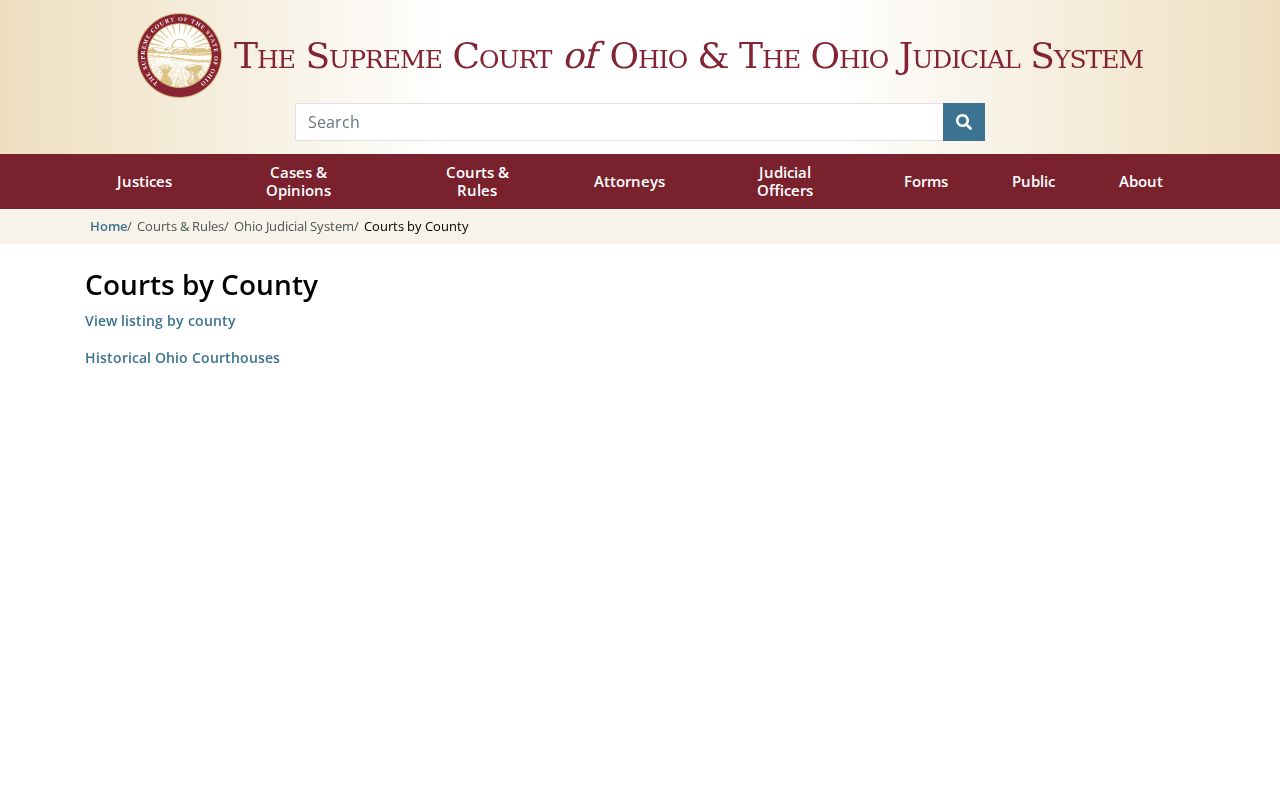
Check the directory first to pin down the right court. Then go back to the matching Noble County CaseLook screen to run the actual case lookup.
Noble County CaseLook One-Piece Rule
One rule drives the Noble County Common Pleas search form. Enter a single piece of information per query. A name works. So does a hearing date, or a case number typed with numbers only. The screen adds category checkboxes. It lets you cap results at 25, 50, 100, or 250. It also requires a CAPTCHA with refresh and listen controls. There is no dropdown for attorney name, party role, case status, filing-date range, or court. Unsure what kind of Common Pleas case you are chasing? Leave every category selected.
The Henschen & Associates eFiling link on the court's site serves filers with accounts. It is not the free public CaseLook docket search. An account there does not open every filed image or certified copy. For those, the Clerk of Courts is the office to call.
So the split is simple. Filers use eFiling, while anyone running a Noble County docket search sticks with CaseLook and asks the Clerk of Courts for a verified copy. Both local CaseLook notices carry one warning worth remembering: filing and judicial-action entries can take at least 24 hours to appear, and sometimes longer.
Case Number Searches
Numbers are what both Noble County CaseLook forms expect when you search by case number. Common Pleas takes up to 12 characters. County Court takes up to 16. Neither court publishes a public format with letter prefixes. So do not build a pattern of your own, such as a year followed by a code. Type the identifier exactly as a court notice or an earlier docket record shows it, like 123456789012, with no letters or punctuation unless the form itself asks for them.
County Court gives traffic cases a second way in. Its Ticket Number field can pin down a citation better than a name can. The same form filters by hearing date, file date, or violation date. The two numbers serve different roles. The court number marks the local case. The ticket number marks the citation itself. Without either one, a name search may still surface a possible record. But check the court category and dates before you trust the match.
Noble County CaseLook Search Groups
CaseLook's category boxes keep a Noble County docket search pointed at the right court level. On the Common Pleas side, the groups are Appeals (CA), Civil (CV), Criminal (CR), Domestic Relations (DR), Judgment Lien (JL), and Miscellaneous (MI). County Court splits its docket differently. Its groups are Traffic (TRC/TRD), Criminal (CRA/CRB), Civil (CVE/CVF/CVG/CVH), Small Claims (CVI), and Parking (PRK). The county's public sources list these group labels but stop short of defining each subcode. So stick to the names the court displays. Do not guess what an abbreviation expands to.
- Common Pleas Criminal (CR)
- A Common Pleas CaseLook category for criminal cases, including the felony-court route after a case is filed there.
- County Court Traffic (TRC/TRD)
- The County Court CaseLook group for traffic cases. It is the starting point for county-wide village and unincorporated-area traffic matters.
- Small Claims (CVI)
- A County Court CaseLook group. County Court, not a village court, is the local lower-court recordkeeper.
Category boxes narrow a Noble County docket search. They do not prove a record is public, complete, or open to remote viewing.
Note: Use the court's printed group labels, since Noble County's public sources do not define every individual subcode.
Noble County Case Search Match Counts
Pick your page size when you run a Noble County CaseLook search. Both Common Pleas and County Court offer 25, 50, 100, or 250 matches per page. The default is 25. The setting only controls how many matching entries fill one results page. It cannot widen the court's jurisdiction, pull up a document, or turn an electronic entry into a verified one. For a broad name search, a smaller page size helps. It makes it easier to compare court category, numeric case number, and date before loading the next batch of court records.
Match count works alongside a court-specific field, never in place of one. Common Pleas takes one information type at a time. Its category boxes can narrow the results further. County Court narrows by ticket number, violation date, hearing date, or one of its lower-court case groups. A Noble County result set stays too wide? The clerk can tell you what identifying details will pinpoint the official docket record.
Case Search Results Explained
A Noble County CaseLook search shows an index and a timeline of entries. It does not replace the case file itself. County Court Local Rule 1.04 sets out what a serial docket must hold: the case number and title, the filing date, and the nature of the charge or claim. The same rule requires a journal of written, signed orders plus a separate individual file for the documents. That structure matters in practice. When you need an actual order, filing, or certification, a search result alone will not carry the weight.
| Case number | The court’s numeric identifier. Both inspected Noble County CaseLook systems require numbers only for a number search. |
|---|---|
| Case title or caption | The identifying title required in the County Court docket; no private case caption is reproduced here. |
| Filing date | The date the case was filed, which the County Court rule identifies as docket information. |
| Charge or claim nature | The basic nature of the matter carried in the County Court docket, subject to public-access limits. |
| Docket and journal | A chronological event record differs from a signed journal entry, which is the written order record. |
| Case file | The separate collection of filed documents. Its remote availability was not established by the inspected public forms. |
Need an official document? Go straight to the right clerk. The how-to and the County Court copy fees are laid out with Noble County court case records.
Noble County Case Search Verification
A Noble County CaseLook result is handy for locating a matter. The portals themselves do not present it as a certified or verified court record. Their notices warn that computer information can change and may post at least 24 hours after a filing or judicial action. Where you turn for verified information depends on the court: Common Pleas points users to the court or Clerk of Courts, while County Court points users to its own clerk during regular business hours.
A focused request speeds things up. Name the court, the numeric case or ticket number, the event date if known, and the exact item sought. A docket list, signed journal entry, filed document, regular copy, certified copy, recording, and transcript are all different requests. The County Court clerk's published copy rates are $0.25 per regular page and $1 per certified page. Common Pleas copy charges are not published in the official sources, so ask the Clerk of Courts to confirm them.
Noble County Ticket Number Searches
A ticket number search belongs in the Noble County Court CaseLook path. It does not belong on the Common Pleas form. County Court gives you a Ticket Number field with a 16-character maximum. It sits beside the Traffic Cases box and date filters. Select the traffic group, type the ticket number, and hit Search. The field shines when a name pulls up too many lower-court matches. It also helps when you want to check a date against the citation.
What if County Court CaseLook shows nothing? Do not invent a village court or assume the ticket vanished. The local notice warns of posting delay. Check the court information printed on the citation. Try a known case number, then try the County Court calendar. You can also call the clerk at 740-732-5795. An Add Payment button hints at a payment route. Searching alone does not prove you qualify to pay.
Two Ways to Search: County and State
Ohio has no statewide public trial-court database that searches every Noble County case by name. For record lookups, the local CaseLook systems are the channel. State resources play a different role: they explain court structure and report courtwide statistics. They cannot replace a CaseLook query, a calendar check, or a clerk request for a particular Noble County case. That is not their job. They cannot find one county's docket either.
| Resource | What It Provides | What It Does Not Provide |
|---|---|---|
| Noble County Common Pleas CaseLook | Public Record Search for its displayed Appeals, Civil, Criminal, Domestic Relations, Judgment Lien, and Miscellaneous categories. | A guaranteed complete document-imaging or certified-copy service. |
| Noble County Court CaseLook | County Court traffic, criminal, civil, small claims, and parking searches, plus calendar routes. | A Common Pleas search or a separate village court search. |
| Ohio court directory and eStats | Court-location context and court-reported statistical resources. | A statewide trial-court case-name lookup for Noble County. |
Note: A statewide court resource can point you toward a Noble County court. It just cannot pull up a local case by name.
Noble County Has No Statewide Case Search
Ohio eStats Public Reports is a caseload-reporting tool, not a case lookup. You pick the reporting courts, jurisdictions, report types, and periods there, and Noble County reporting units are among the choices. The Supreme Court's reporting guidance warns that a delayed report can leave statistical displays incomplete. So treat eStats as a way to study court reporting across Ohio. It will not surface a Noble County court docket by party name.
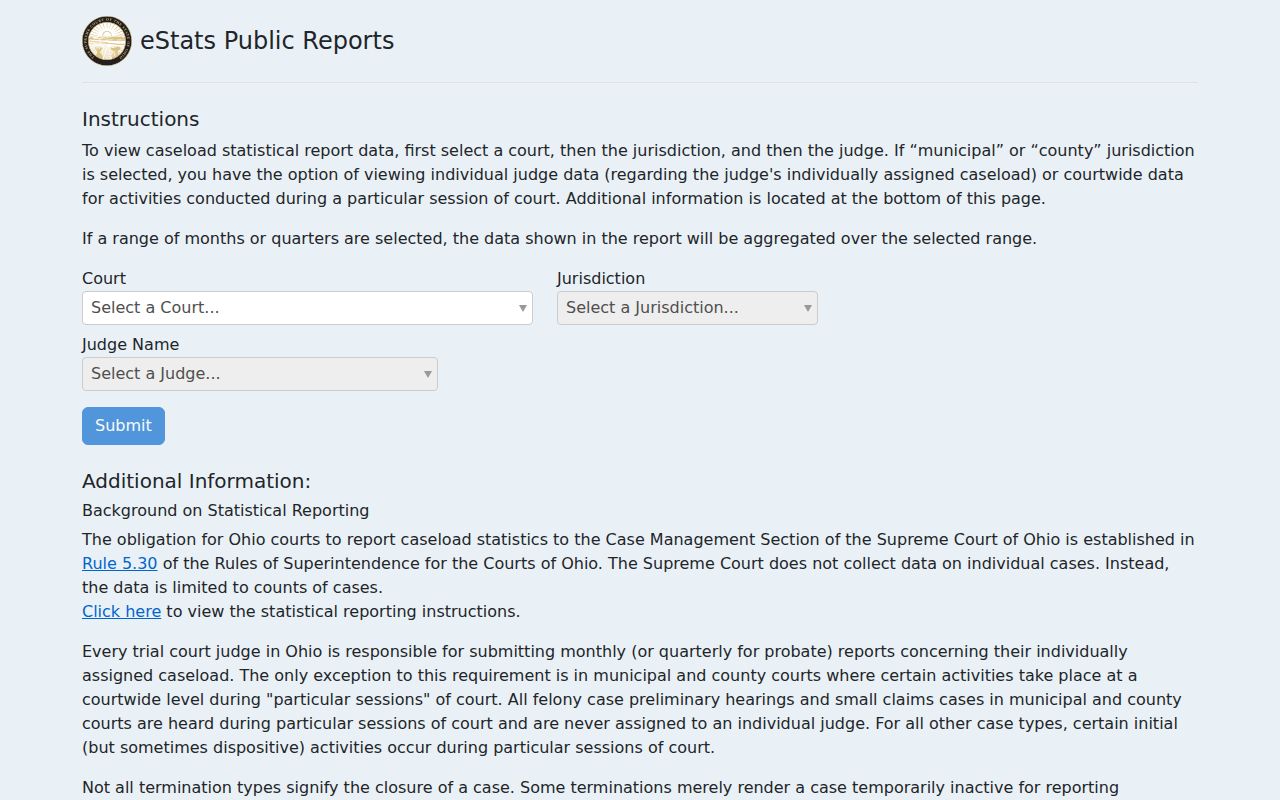
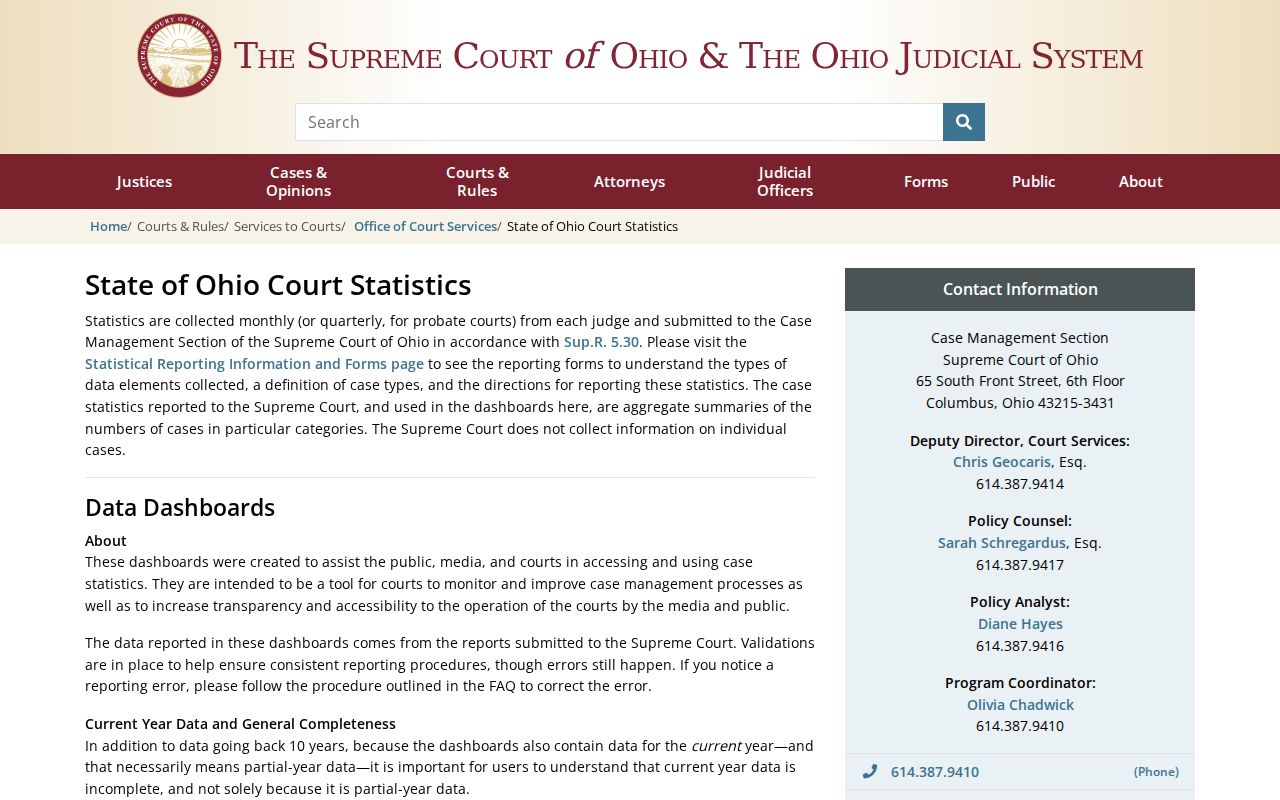
That eStats selection screen supports research about how courts report their work. It cannot find a Noble County docket, a citation, a filing, or a hearing date. The Ohio court statistics dashboards cover much the same ground, explaining statewide court data and its reporting caveats. Both are useful background when you are reading broad court information. Neither one replaces the Noble County CaseLook portal.
When you need one Noble County case, the reliable path stays local. Start with the Record Search system, then contact the court or clerk that keeps the record you want.
Noble County Case Search Result Limits
Both Noble County CaseLook systems offer a page-size choice. Pick 25, 50, 100, or 250 matches, with 25 as the default. Changing that number only changes how many results appear on screen at once. It does not widen the court record or alter public-access rules. A tight query usually beats a bigger list. So search by one detail at a time. Common Pleas tells searchers as much. Use a single piece of information, whether a name, number, ticket, hearing date, file date, or violation date.
A larger result list still helps sometimes. It works when you are unsure which court category a case sits in. Each entry still needs checking. Match it against the court, the category, and the date before you trust it. County Court narrows things with type boxes for Traffic, Criminal, Civil, Small Claims, or Parking. Common Pleas takes a different route. It offers separate CA, CV, CR, DR, JL, and MI boxes. And remember what a result limit cannot do. It makes nothing certified. It will not fix a posting delay from a recent filing.
Which Cases Stay Restricted
Ohio starts from openness. Court records there stay public unless a rule, a statute, or a court order says otherwise. The current Rules of Superintendence 11.09 through 11.16 control who gets access, covering direct access, remote access, the omission of personal identifiers, and full restriction. Even so, remote access guarantees nothing. The Noble County portals warn that electronic displays can lag and are not verified information, so a document, division, or whole category may simply never appear online.
The structure here has a wrinkle worth knowing. Common Pleas folds Probate and Juvenile into its court structure, yet the General Division CaseLook form offers no separate Probate or Juvenile category. That gap matters. A missing result proves nothing about whether such a matter exists. Juvenile files, sealed material, protected records, and identifier-redacted items can all carry access limits of their own. Adult sealing and expungement run through a court order under Ohio law, and an online absence is never a decision about eligibility or scope.
Noble County CaseLook Posting Delays
A Noble County filing or setting can be too fresh for CaseLook to show it. Skip the repeated broad searches. Go down the local fallback chain instead. First, make sure you are in the right CaseLook system. Pick the right case category too. County Court date questions call for the month calendar. There is also the date-range Court Schedule after the Record Search. Common Pleas users should accept the notice and move to the Calendar Search tab. Both systems say postings can take at least 24 hours or longer.
Need an answer you can rely on? Call the Noble County Clerk of Courts at 740-732-4408. Or stop by the Common Pleas clerk during published business hours for a Common Pleas matter. For County Court, dial 740-732-5795 or use the clerk office at 100 CourtHouse Square, Caldwell. The Common Pleas notice itself points to a request or a business-hours visit for verified information. It also lists the clerk email areiter@noblecountyohio.gov. A written request citing R.C. 149.43 can frame a noncase public-record or access-dispute request.
A web result may help you locate a Noble County case. For verification, though, a clerk-issued response or certified copy is the right route.